Offline Live Chat: Opening Hours, an Away Form and a Chat Rescuer So Nobody Waits in Silence
Offline live chat is what your chat does when nobody can answer: at night, at lunch, on Sundays or when everyone is busy. LiveChatBot handles it in three layers. Opening hours tell visitors when you are around, the away form collects an email and phone number, and the chat rescuer replies automatically when a chat waits too long.

⚡ In short
- Settings → Opening hours: a time zone and hours for each day of the week.
- When nobody is online, the away form asks for the visitor’s email and phone number.
- Flows → Chat rescuer: if nobody replies within the time you set (from 6 seconds), an automatic message asks for contact details.
- Messages left while you are away can become help desk tickets, and the AI Agent can answer common questions at night.
Real screens
Opening hours, the chat rescuer switch and tickets from away messages
Real screens from the LiveChatBot panel, shown with sample data. Click any picture to see it full size.


The problem
The silent chat is the worst chat
A visitor writes “Is this available in red?” and nothing happens. After a minute they wonder if anyone is there. After three minutes they close the tab and ask a competitor. The silence did more damage than having no chat at all, because it told them nobody is listening.
Small teams cannot be online all day. The answer is not to hide the chat, it is to make sure every message gets some reply quickly, and that you get a way to answer properly later. That is what the offline tools are for.
Good offline live chat does three jobs. It is honest about when a person will reply. It gives the visitor something useful right away, either an answer or a clear promise. And it captures a way to reach them, so the conversation can continue after they have left your website. The four layers below cover those three jobs.
Layer 1
Opening hours: set expectations
Open Settings → Opening hours. Pick your time zone and tick the days you work, with a start and end time for each. Saturday can be shorter, Sunday can be closed.
Inside your hours the chat behaves normally. Outside them, the chat shows that you are away and switches to the away form, so visitors know they will get an answer later instead of waiting in front of the screen.
If you prefer, leave opening hours off: then the chat shows you as available whenever someone on your team is online. Our guide on how to set live chat opening hours covers both choices.
Layer 2
The away form: collect a way to reply
When nobody is online, the chat asks the visitor to leave their email and phone number with their message. If the visitor already shared one of them earlier, it is filled in and only the other is asked for.
Their message lands in your inbox with the contact details attached, and you get an alert. You can then reply by phone, by WhatsApp or when they come back to the chat. Because both email and phone are collected, you can follow up the way that suits the customer.
Turn away messages into tickets
Switch on tickets from offline messages and each away message becomes a numbered ticket in your help desk software. Your team works through them in the morning like a to-do list, and nothing gets lost in the chat history.
Layer 3
The chat rescuer: an automatic reply when a chat waits
Sometimes you are “online” but busy: on a call, serving a customer at the counter, or answering another chat. The chat rescuer covers that gap.
Open Flows → Chat rescuer and switch it on. Choose how long to wait before replying (short options like 6 or 15 seconds, or longer), and write the message. When a visitor writes and nobody (person or AI) answers in that time, the rescuer sends your message, for example: “Thanks for your message! We’re replying now. Leave your email and WhatsApp number below so our answer reaches you even if you leave.”
The visitor feels heard immediately, and you get their details in case they close the tab. New websites start with the rescuer switched on.
Layer 4
Let the AI Agent take the night shift
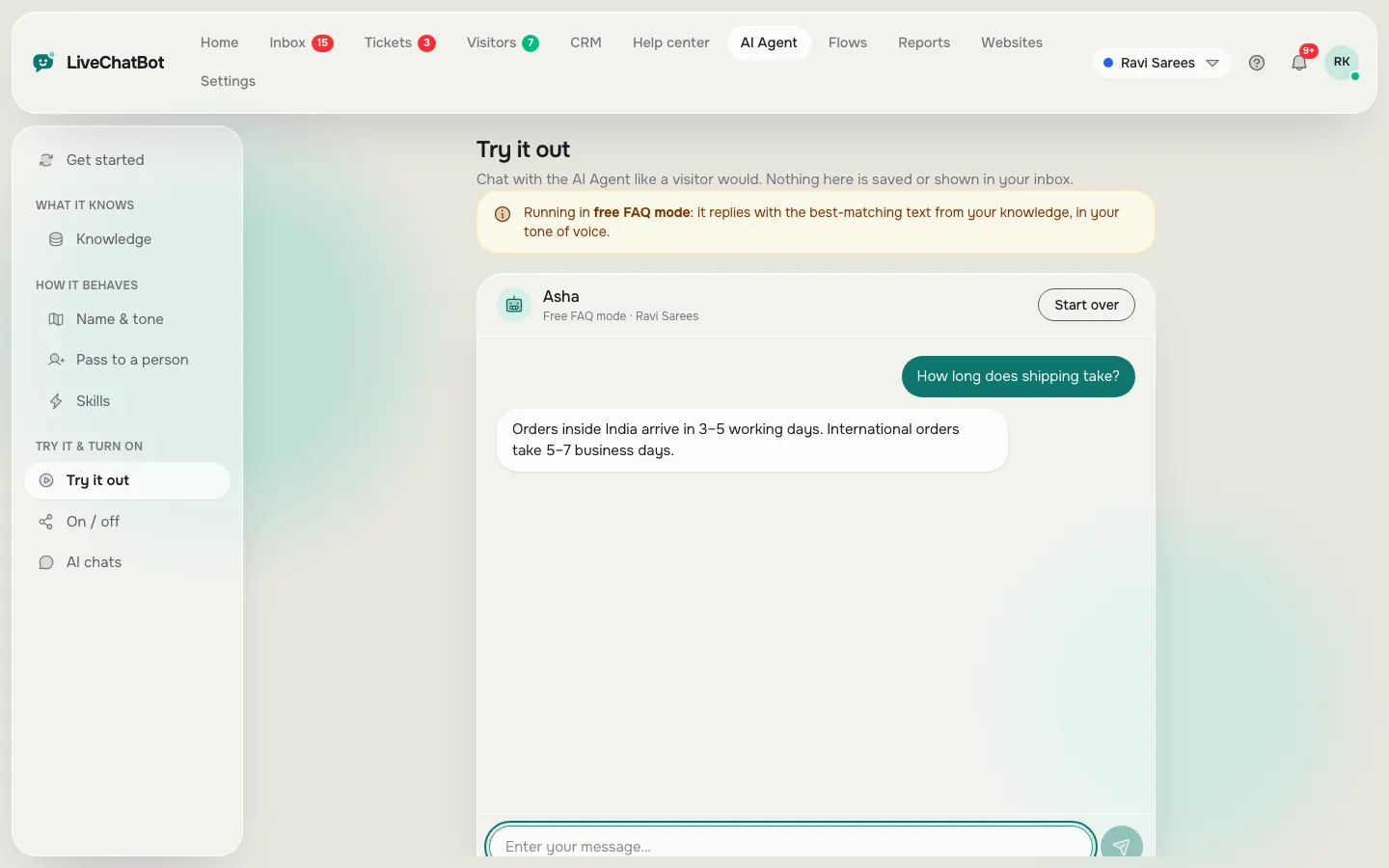
For common questions about prices, delivery, timings or returns, the AI Agent can reply at any hour from your own knowledge: FAQ entries, website pages and uploaded files. When it cannot answer, it says so, collects contact details and passes the chat to your team for the morning.
Many owners combine all four layers: opening hours for honesty, the AI Agent for instant answers, the rescuer for busy moments and the away form for everything else. Offline live chat set up this way means every visitor gets a reply within seconds, even when nobody is at a desk.
Setup
Offline live chat set up in five steps
1
Set your hours
Settings → Opening hours: time zone and the hours you can answer.
2
Write an away message
Settings → Language: say when you will reply, for example “by 10 am”.
3
Turn on the rescuer
Flows → Chat rescuer: pick the wait time and your message.
4
Make tickets
Turn on tickets from offline messages so away messages become a to-do list.
5
Teach the AI Agent
Add your top 10 questions to its knowledge so it can answer at night.
6
Get alerts
Install the Android app so new away messages reach your phone.
Good to know
Honest limits
Replies need you
The away form collects details; a person still has to reply later, by chat, phone or WhatsApp.
Rescuer is one message
The rescuer sends one automatic message per chat, not a full conversation.
Email sending
Ticket replies by email need email sending set up on your account’s server.
Get started
Stop losing visitors after hours
Create a free account at livechatbot.in, add the chat to your website and open Opening hours. Set your real hours, switch on the chat rescuer in Flows, and send yourself a test message at night from your phone. You should see the away form, leave your details, and get an alert on the mobile app. From then on, every visitor gets a reply, even when you are asleep.
Frequently asked questions
What happens when nobody is online?
Visitors see that you are away and leave their email and phone number with their message. You get an alert and can reply later.
What is the chat rescuer?
An automatic reply sent when nobody answers a chat within the time you set. It asks for contact details so you can follow up.
Can away messages become tickets?
Yes. Switch on tickets from offline messages and each one becomes a numbered help desk ticket.
Can the AI Agent answer at night?
Yes. It answers common questions from your knowledge and passes the rest to your team.
Is offline live chat free?
Yes. Opening hours, the away form, the chat rescuer and tickets are part of the free plan.
Keep reading
Related guides
Instant Lead Notification: Know the Second a Website Visitor Leaves Their Details
How Fast to Respond to a Website Lead: A Minute-by-Minute Plan for Small Teams
Missed Chat Follow Up: How to Win Back Visitors Who Wrote While Nobody Was There
Never leave a visitor waiting in silence
Opening hours, an away form, a chat rescuer and an AI Agent for the night shift. Start free on livechatbot.in.